
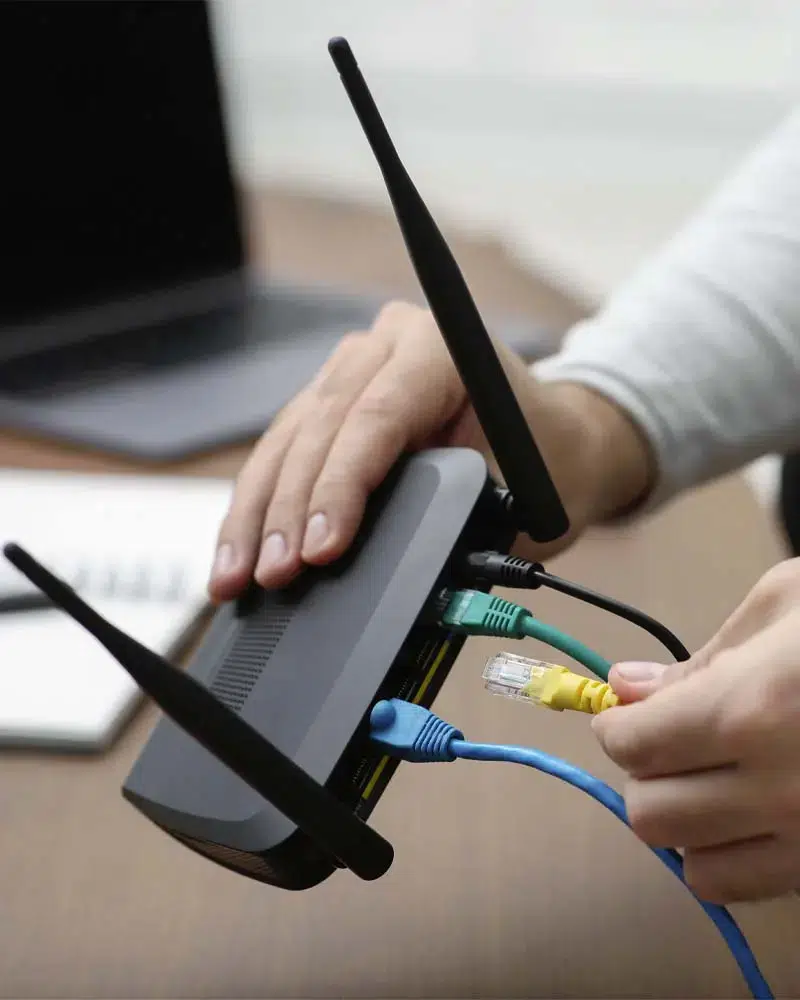
In the modern digital household, a reliable, high-speed internet connection is just as essential as electricity or running water. From streaming 4K movies and attending video conference calls to connecting smart home security devices, our daily lives depend heavily on seamless Wi-Fi connectivity. Yet, many homeowners experience frustrating dead zones, sluggish buffering speeds, or random dropouts without realizing that the root cause is not their internet service provider—it is the physical placement of their Wi-Fi router.
Networking experts, telecommunications engineers, and smart home specialists understand that wireless signal propagation is governed by physics, wall materials, and radio frequency interference. In this comprehensive article, we explore the science of wireless signals, optimal router positioning strategies, financial considerations, and essential tips for maximizing your home network performance.
The Science of Wireless Signals and Interference
To understand why router placement matters so much, it helps to look at how Wi-Fi signals travel through your living space.
How Wi-Fi Waves Travel
Wi-Fi routers broadcast data using radio waves (typically across 2.4 GHz and 5 GHz frequency bands). These waves radiate outward in all directions from the router’s antennas. However, unlike visible light, radio waves can be weakened, absorbed, or completely blocked by physical obstacles in your home.
Common Signal Blockers to Avoid
- Thick Concrete and Brick Walls: Dense masonry blocks wireless signals heavily, trapping coverage in isolated rooms.
- Large Metal Objects: Appliances like refrigerators, metal filing cabinets, mirrors, and large televisions reflect and absorb radio frequencies, creating massive dead zones.
- Water and Electronics: Aquariums, large water pipes, microwave ovens, and Bluetooth devices generate electromagnetic interference that disrupts Wi-Fi stability.
Where Is the Best Place to Put Your Router?
Placing your router in the optimal location can instantly upgrade your internet speed without requiring expensive plan upgrades.
1. Central Location in the House
Position your router as close to the geographic center of your home as possible. If your router sits tucked away in a far corner garage, basement, or home office, the wireless signal has to travel an excessive distance to reach rooms on the opposite side of the house.
2. Elevated Positions
Do not place your router directly on the floor behind a sofa or inside a closed wooden media cabinet. Wi-Fi antennas transmit signals slightly downward as well as outward. Placing the router on an elevated shelf or desk gives the radio waves a clear, unobstructed path throughout the room.
Financial, Legal, and Consumer Considerations
Optimizing your home network also intersects with technology investments, service contracts, and household budgeting.
1. Maximizing Internet Service Value
If you pay a premium monthly fee for gigabit high-speed fiber internet, placing your router behind a thick concrete wall or inside a metal cabinet throttles your actual wireless speeds, meaning you are paying for bandwidth you cannot fully utilize.
2. Smart Home Reliability and Security
Reliable Wi-Fi coverage ensures your smart home cameras, security alarms, thermostats, and automation hubs remain stably connected, preventing dropouts that could compromise home safety or emergency alerts.
Essential Network Optimization Tips
To achieve the fastest, most reliable Wi-Fi coverage across your entire home, follow these practical steps:
- Adjust Antenna Angles: If your router has external antennas, position one vertically and one horizontally to optimize coverage for both horizontal devices (smartphones, laptops) and vertical structures.
- Reboot Periodically: Unplug your router for 30 seconds once a month to clear cache memory and update background connection channels.
- Consider Mesh Systems: For large homes or multi-story properties, investing in a mesh Wi-Fi system eliminates dead zones by blanketing every room with seamless satellite nodes.
Fascinating Facts About Wireless Technology
- The Origin of Wi-Fi: The underlying technology for Wi-Fi was initially developed during astronomical research by astrophysicist John O’Sullivan while trying to detect faint radio waves from exploding black holes.
- Microwave Interference: Traditional microwave ovens operate on the 2.4 GHz frequency band, which is why turning on a microwave can sometimes temporarily slow down nearby 2.4 GHz Wi-Fi connections.
- Light Speed Propagation: Wi-Fi radio waves travel at the speed of light, but their effective range is severely limited by air resistance, wall density, and legal power output regulations.
Conclusion
Improving your home internet speed often requires nothing more than a few minutes of repositioning. By moving your router to an elevated, central location away from thick walls, metal appliances, and electronic interference, you can maximize wireless performance and enjoy smooth, buffer-free connectivity throughout your entire home.
Frequently Asked Questions (FAQ)
Is it better to put my router upstairs or downstairs?
If you live in a multi-story home, placing the router on the upper floor or a high central shelf is often ideal because Wi-Fi signals travel downward more effectively than upward through multiple flooring levels.
Does putting my router inside a cabinet affect internet speed?
Yes. Enclosing a router inside a wooden or glass cabinet blocks airflow (causing overheating) and absorbs radio signals, significantly reducing your Wi-Fi range and speed.
How do I know if my router is in the right spot?
You can use a Wi-Fi speed test app on your smartphone while walking around different rooms in your house to identify weak spots and dead zones.
Can mirrors block Wi-Fi signals?
Yes. Mirrors contain a thin metallic backing layer behind the glass that reflects and blocks radio frequency waves, making bathrooms or mirrored closets poor locations for routers.
