
With utility rates continuing to climb across the country, household energy management has transformed from a casual habit into a pressing financial priority. Families, homeowners, and renters are constantly looking for practical, effective ways to lower monthly utility bills without sacrificing comfort or modern entertainment conveniences. While many energy-saving guides focus on major appliances like air conditioners, heat pumps, or refrigerators, one everyday culprit often gets overlooked: your television set.
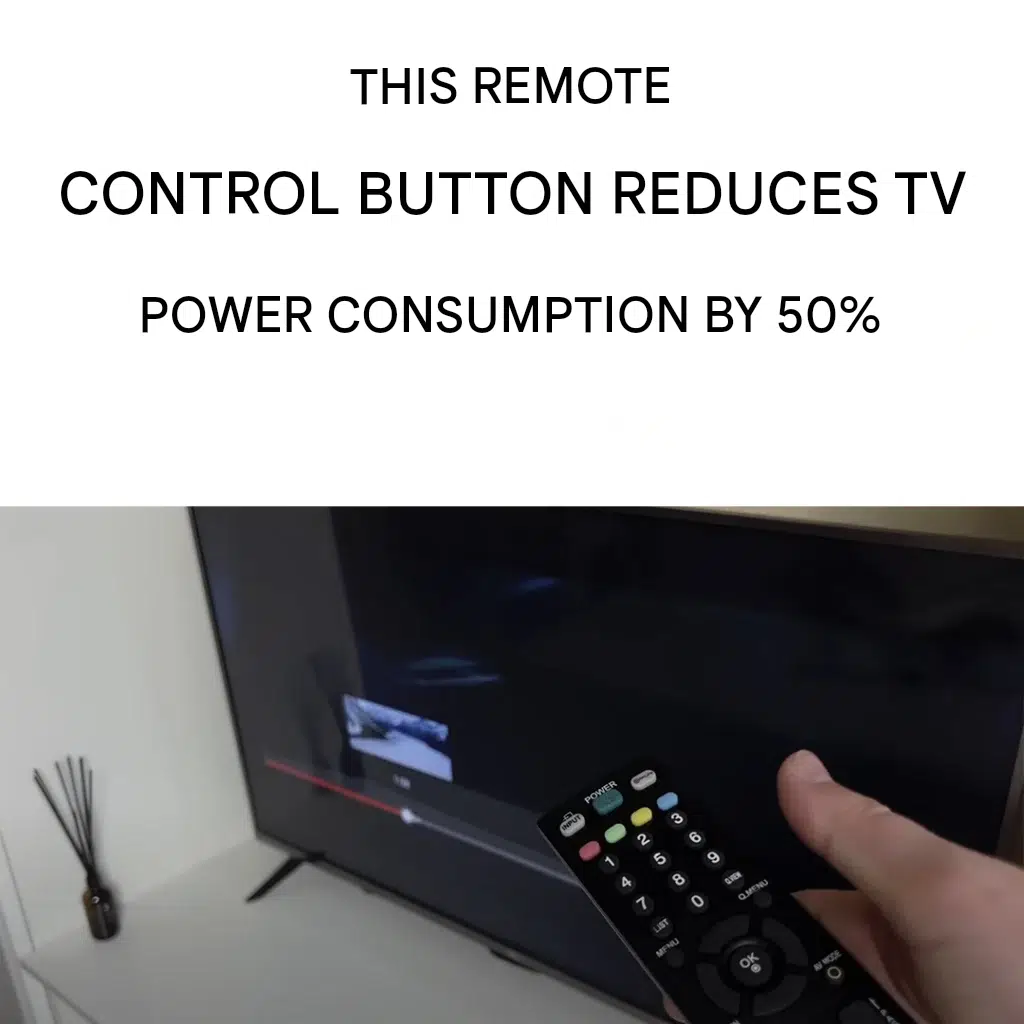
Modern smart TVs, large 4K displays, and high-end OLED screens deliver incredible cinematic visual experiences in our living rooms. However, that crisp display and rich color spectrum require a significant amount of electric power. The good news is that almost every modern television remote control features a hidden or underutilized setting that can instantly cut your TV’s energy draw by up to 50%.
Understanding how to access and configure this energy-saving feature allows you to enjoy your favorite movies, news broadcasts, and streaming shows while making a meaningful dent in your monthly electrical consumption. Below, we examine how television displays consume electricity, step-by-step instructions for activating hidden energy modes, additional home energy strategies, and how managing domestic overhead plays into a broader financial planning strategy.
How Modern TVs Impact Your Monthly Energy Bill
To understand why a single remote button can create such dramatic savings, it helps to analyze how modern televisions process power. Unlike older cathode-ray tube (CRT) models, modern LED, QLED, and OLED screens rely on high-powered backlights or millions of individual light-emitting diodes to generate high-definition pictures.
Backlight Intensity and Brightness Demands
The primary driver of power consumption in any display screen is brightness. When a TV leaves the factory, manufacturers typically program it with dynamic or vivid picture presets. These modes crank screen brightness and contrast up to maximum levels so the display looks vibrant under bright retail showroom lights.
When you install that TV in your home environment, running it on default picture settings means the backlight operates at full power constantly. This places an unnecessary strain on your electricity meter and shortens the lifespan of the television’s internal components.
Phantom Load and Standby Power Draw
Another major factor in home power usage is phantom load, often referred to as vampire power. Modern televisions never truly turn completely off when you press the power button on your remote. Instead, they drop into a standby state, waiting for signals from Wi-Fi networks, smart home assistants, or remote sensors. Over the course of a full year, standby power across multiple home devices adds hundreds of dollars to household utility expenses.
The Hidden Remote Button That Cuts Power Usage
Most consumers assume that reducing energy usage requires navigating complex TV settings or buying expensive smart plugs. In reality, modern remote controls from major manufacturers include direct shortcuts or quick-menu access to Eco Mode, Energy Saving Mode, or Screen Off features.
1. The Energy Saving / Eco Button
On many mid-range and high-end remote controls, you will find a button labeled Eco, Energy, or marked with a small leaf icon. Pressing this button immediately cycles your television through several power-saving tiers:
- Low Energy Saving: Reduces backlight output by approximately 15% to 20%, maintaining picture quality while noticeably dropping power draw.
- Medium Energy Saving: Drops backlight output by roughly 30% to 35%, ideal for nighttime viewing or dimly lit living rooms.
- Maximum / High Energy Saving: Diminishes screen illumination by up to 50%, providing substantial energy reduction while keeping full audio playback active.
2. The Screen Off / Picture Off Setting
For users who love listening to streaming music, podcast broadcasts, news shows, or background radio programs through their TV or soundbar system, the display screen itself is entirely unnecessary. Many remote controls feature a Screen Off or Picture Off command within the quick settings or energy menu.
Activating Screen Off turns off the TV backlight while keeping internal speakers or external audio systems fully functional. Because the display panel accounts for upwards of 80% to 90% of a TV’s total active power draw, turning off the screen cuts the TV’s energy footprint almost completely during audio-only playback.
Step-by-Step Guide: Activating Power Saving Across Major Brands
While button layouts vary across manufacturers, accessing these savings takes only a few seconds once you know where to look.
Samsung Smart TVs
- Press the Settings or Home button on your remote control.
- Navigate to All Settings > General & Privacy.
- Select Power and Energy Saving.
- Enable Brightness Optimization, Energy Saving Mode, or Auto Power Off.
LG Smart TVs
- Press the Gear / Settings icon on your remote.
- Select All Settings > Support or General.
- Choose Energy Saving or Eco Mode.
- Adjust the setting from Off to Auto, Medium, or Maximum, or select Screen Off for audio playback.
Sony Bravia TVs
- Press the Quick Settings (gear icon) or Menu button.
- Navigate to Power & Energy or System.
- Select Eco Dashboard.
- Turn on Power Saving or set the Light Sensor to adjust screen intensity automatically according to ambient room light.
Roku TVs (TCL, Hisense, Philips)
- Press the Star (*) button on your remote while watching content.
- Scroll to Picture Settings or Accessibility.
- Select TV Picture Off for audio, or choose Auto Power Savings under system settings.
Practical Tips to Maximize Home Energy Efficiency
Utilizing your TV’s energy-saving remote button is an excellent starting point, but combining it with comprehensive smart home habits produces the highest monthly utility savings.
+------------------------------------+-------------------------------------+-----------------------------------+
| Energy Action                      | Direct Benefit                      | Estimated Annual Impact           |
+------------------------------------+-------------------------------------+-----------------------------------+
| Activate TV Eco / Energy Mode      | Cuts display power draw by 30-50%   | $25 - $60 lower electric bill     |
| Use Smart Power Strips             | Eliminates vampire standby draw     | $30 - $75 savings across devices  |
| Calibrate Room Lighting            | Eliminates screen glare issues      | Extends television hardware life  |
| Lower Thermostat Settings          | Reduces main HVAC electrical strain | $100 - $200 heating/cooling saved |
+------------------------------------+-------------------------------------+-----------------------------------+
Optimize Ambient Room Lighting
When you watch television in a brightly lit room, you are forced to increase display brightness to combat glare and reflections. By installing low-wattage LED ambient lamps, blackout curtains, or dimmable smart lighting, you create an ideal viewing environment that allows your TV to operate comfortably in lower energy modes without straining your eyes.
Plug Entertainment Gear into Smart Power Strips
Televisions rarely work alone. Audio receivers, video game consoles, streaming media sticks, cable boxes, and subwoofers all pull phantom power even when turned off. Connecting your entire home theater system to an advanced smart power strip ensures that when the TV turns off, power to secondary devices is completely severed.
Automate Sleep Timers
Falling asleep while watching movies or television shows is one of the most common causes of wasted electrical power. Setting a automatic Sleep Timer (such as 60 or 90 minutes) via your remote ensures your television turns off cleanly when you drift off to sleep.
Broader Financial Impact: Small Changes, Big Savings
Managing daily home expenses effectively is the foundation of long-term financial security. While saving a few dollars a month on electricity might seem minor on its own, compounding those micro-savings across your entire budget creates significant capital for investment, debt payoff, or emergency savings reserves.
Reinvesting Energy Savings into Financial Growth
By lowering monthly household bills—such as electricity, water, internet fees, and insurance premiums—you free up steady monthly cash flow. Channeling those extra dollars into high-yield savings accounts, retirement funds, or real estate investments transforms everyday frugality into long-term wealth building.
Protecting Your Household Budget against Inflation
Utility rates frequently rise due to energy supply fluctuations, grid infrastructure costs, and seasonal demand surges. Establishing proactive energy conservation strategies insulates your monthly household budget against unexpected price spikes, ensuring your fixed living expenses remain predictable and manageable over time.
Fascinating Facts About TV Energy Consumption
- Pioneer plasma screens manufactured in the early 2000s consumed up to four times more electricity per hour than modern LED or OLED screens of the same visual size.
- Vampire power from standby electronic devices accounts for roughly 5% to 10% of total residential electricity usage across American households every single year.
- Ambient light sensors built into high-end modern televisions automatically read room light levels hundreds of times per minute to adjust screen illumination and conserve electric power dynamically.
- Audio-only streaming on smart televisions without activating Screen Off mode uses up to 85% more energy than streaming the exact same audio playlist through a dedicated smart speaker or Bluetooth system.
Conclusion
Lowering your home electricity bill doesn’t require drastic lifestyle changes or expensive equipment upgrades. By taking advantage of the built-in Eco, Energy Saving, or Screen Off modes accessible right from your TV remote control, you can instantly cut display power consumption by up to 50% without giving up quality home entertainment.
Combine this quick remote control tweak with smart power strips, optimized room lighting, and automated sleep timers to keep your home theater running efficiently year-round. Taking control of small everyday energy costs yields steady financial benefits, freeing up capital to invest back into your family’s future, credit health, and long-term financial freedom.
Frequently Asked Questions (FAQ)
Does using Eco Mode reduce picture quality on my TV?
Eco Mode lowers backlight brightness slightly, which may make the picture look less intense in bright, sunlit rooms. However, in average or dimly lit living rooms, the visual difference is minimal, while energy savings remain substantial.
Will turning off the screen while playing audio damage my television?
No. The Screen Off or Picture Off feature is intentionally designed by manufacturers to protect the display panel from unnecessary wear and burn-in while keeping the internal audio system active.
How much money can I actually save by using energy-saving settings?
Depending on screen size, daily usage hours, and local utility rates, enabling power-saving modes can save anywhere from $25 to $75 annually per television set in your household.
Why does my TV consume power when turned off?
Modern smart TVs remain in a standby state to receive remote signals, install background software updates, and connect to Wi-Fi networks. Using smart power strips completely disconnects standby power to prevent phantom draw.
Does lowering screen brightness extend the lifespan of my television?
Yes. Running backlights or OLED pixels at maximum brightness generates extra heat, which accelerates hardware degradation over time. Operating your screen at balanced energy levels reduces thermal stress and extends overall device longevity.
