
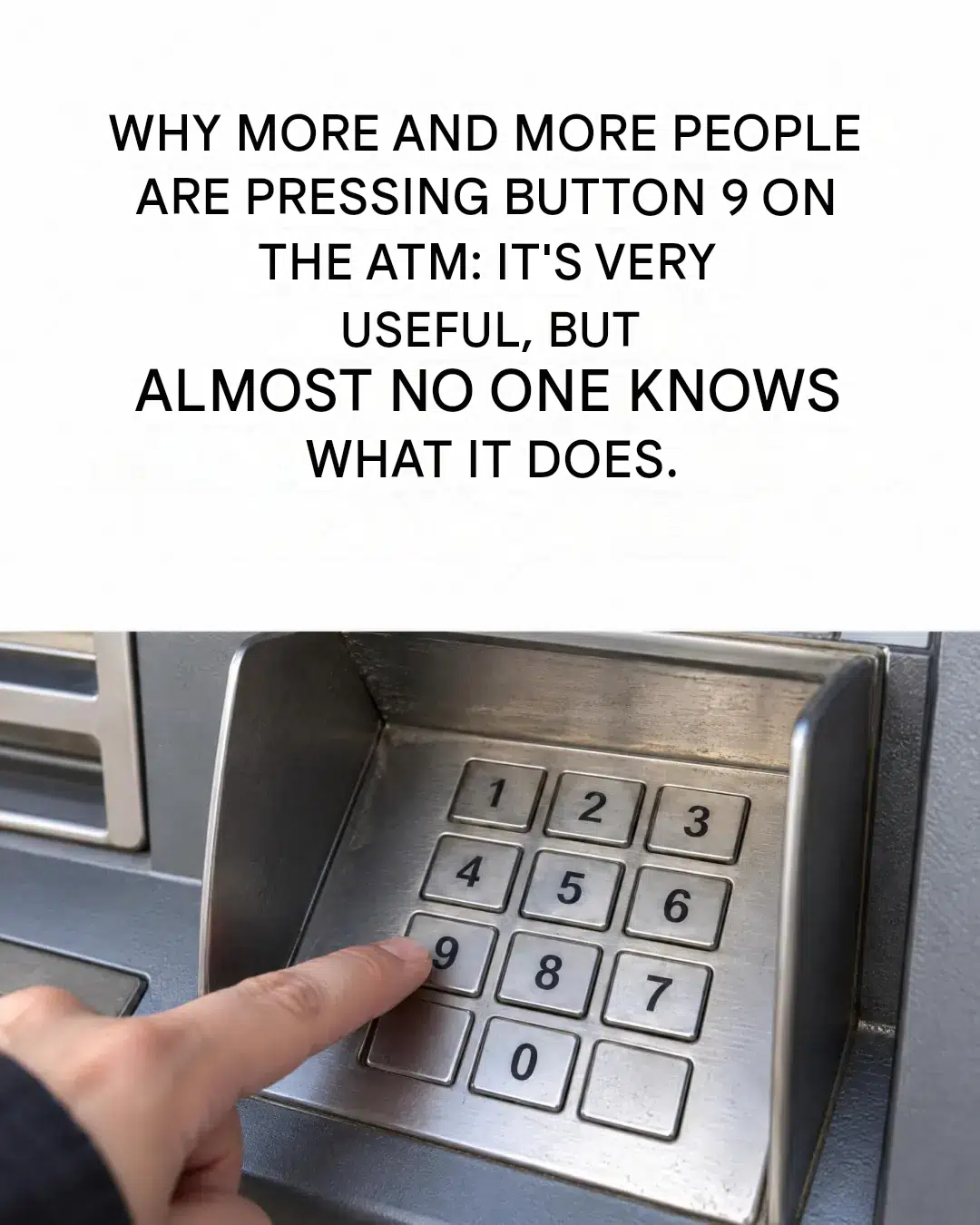
We’ve all experienced that moment of panic: arriving at an ATM, searching your bag… and no wallet. Disaster? Not necessarily. There’s a discreet, official, yet almost unknown feature. Hidden behind a simple digital button, it allows you to withdraw cash using only your phone. A small, everyday revolution that’s definitely worth exploring.
The number 9 key: what is it really used for?
On some compatible ATMs, pressing the number 9 activates a feature called cardless withdrawal . Instead of inserting your physical card into the reader, you use your smartphone and the official app of the bank in question. A QR code then appears on the ATM screen. Simply scan it with the app to initiate the transaction.
No need to hold the button down for several seconds—a single press is all it takes. The machine then displays step-by-step instructions. Nothing mysterious here: it’s an official service designed to make accessing cash easier.
How does it work in practice?
The procedure is really simple, I promise. Here are the steps:
1. Go to an ATM that supports cardless withdrawals. 2. Open your bank’s official app on your phone, making sure it’s logged into your account. 3. Press 9 on the keypad — a QR code will appear on the screen. 4. Scan this QR code directly using the dedicated function in the app. 5. Choose the withdrawal amount from the available options. 6. Confirm the transaction using the app’s security features (personal code or biometric authentication).
The ATM then dispenses the cash, exactly as with a regular withdrawal. The big difference? No card has been inserted into the machine.
Why it’s really practical (and a little safer)
The most obvious benefit is being able to withdraw cash even when you’ve left your wallet on the entryway table. We’ve all been there. With this option, there’s no need to turn back or borrow from a friend.
Another significant advantage is security. By withdrawing cash without a card, you avoid the card coming into contact with the ATM reader—where some malicious devices might try to copy information. Authentication takes place directly on the phone, with its own built-in security measures.
That said, a few rules apply. Always use your bank’s official app . Never share your PIN with anyone. And if anything looks suspicious on the ATM screen, cancel and walk away.
What this key does NOT do
Let’s be clear: pressing 9 doesn’t allow you to withdraw more money than usual. The daily limits remain exactly the same. This key isn’t a magic shortcut—it’s simply an alternative way to access your own money.
No, this doesn’t work at all ATMs. Each bank has its own procedures. Therefore, you should check beforehand that the service is available on the machine in front of you.
Your phone is now your best backup bank card.
