
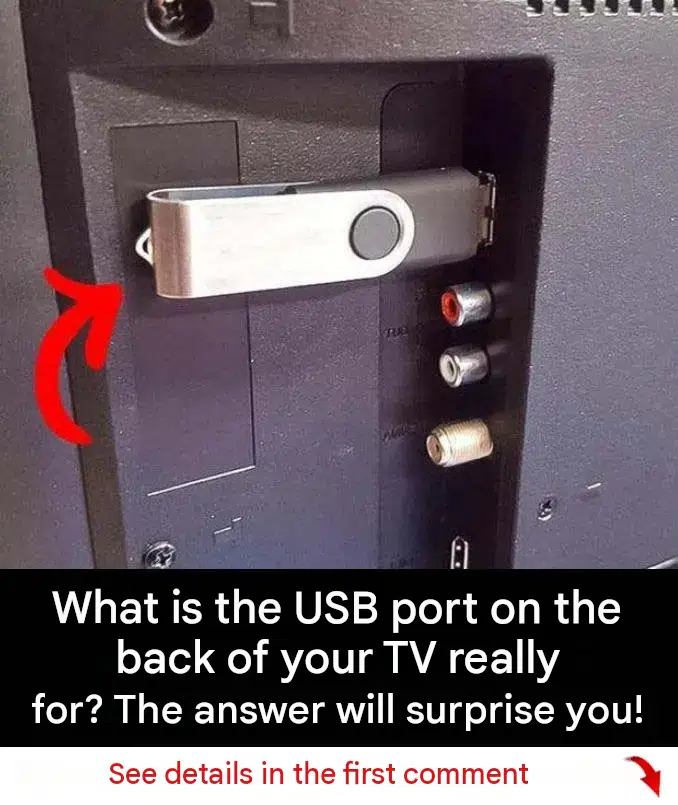
Modern television sets have evolved from simple display monitors into sophisticated home entertainment hubs. Alongside traditional HDMI and audio connections, almost every modern flat-screen television features one or more USB ports located discreetly on the side or back panel. While many owners glance at these ports and assume they are either factory diagnostic connectors or simple charging slots, the USB port actually unlocks a wide array of hidden functions, media capabilities, and power options.
Understanding how to utilize the USB port on your television transforms how you interact with your home entertainment setup, media storage, and streaming accessories.
Hidden Functions of the TV USB Port
The USB port on your television is far more versatile than most users realize, offering several practical uses beyond standard media playback:
1. Direct Media Playback (Photos, Music, and Movies)
The most common intended use for a TV USB port is direct media playback. By plugging a USB flash drive or external hard drive containing downloaded movies, family photos, or music files directly into the TV, you can access built-in media player software to view your files on the big screen without needing an external computer or DVD player.
2. Powering Streaming Sticks and Accessories
Most modern USB ports supply a continuous 5-volt power output. This makes them ideal for powering streaming devices like Amazon Fire Sticks, Google Chromecasts, or Roku sticks directly from the TV, eliminating the need to plug extra power adapters into wall outlets.
3. Software Updates and Firmware Patches
Manufacturers frequently release system updates to fix bugs, improve app compatibility, and add new features. In many cases, these updates can be downloaded from the manufacturer’s support website onto a USB flash drive and plugged into the TV port for manual firmware installation.
+-------------------------------------------------------------------+
|               HIDDEN USES FOR YOUR TV USB PORT                    |
+-------------------------------------------------------------------+
| Feature               | Function                                  |
+-----------------------+-------------------------------------------+
| Media Playback        | View photos, videos, and music from drives|
| Device Power Source   | Powers streaming sticks (Fire Stick, etc.)|
| Firmware Updates      | Installs manual system and bug patches    |
+-----------------------+-------------------------------------------+
Technical Limitations and Considerations
While TV USB ports are incredibly useful, there are a few important technical factors to keep in mind:
- Power Output Limits: Standard USB ports on older televisions may only supply 0.5 amps of power, which is sufficient for flash drives but may not adequately power external mechanical hard drives or high-draw streaming sticks.
- File Format Compatibility: Built-in television media players support common formats like MP4, JPEG, and MP3, but may struggle with specialized or proprietary video codecs.
Conclusion
The USB port on the back of your television is much more than a simple factory leftover. Whether you use it to play personal media files, power streaming devices, or update system software, unlocking its hidden potential can significantly enhance your home entertainment experience.
Frequently Asked Questions (FAQ)
What is the USB port on the back of a TV used for?
It is primarily used for playing media files (photos, music, and videos) from a flash drive, powering streaming devices, or performing system software updates.
Can I plug an external hard drive into my TV’s USB port?
Yes, as long as the hard drive is formatted correctly (typically FAT32 or NTFS) and draws an acceptable amount of power that the USB port can supply.
Why won’t my TV play certain video files from my USB drive?
This is usually due to unsupported video codecs or file formats. Checking your television’s user manual for compatible formats will resolve most playback issues.
