
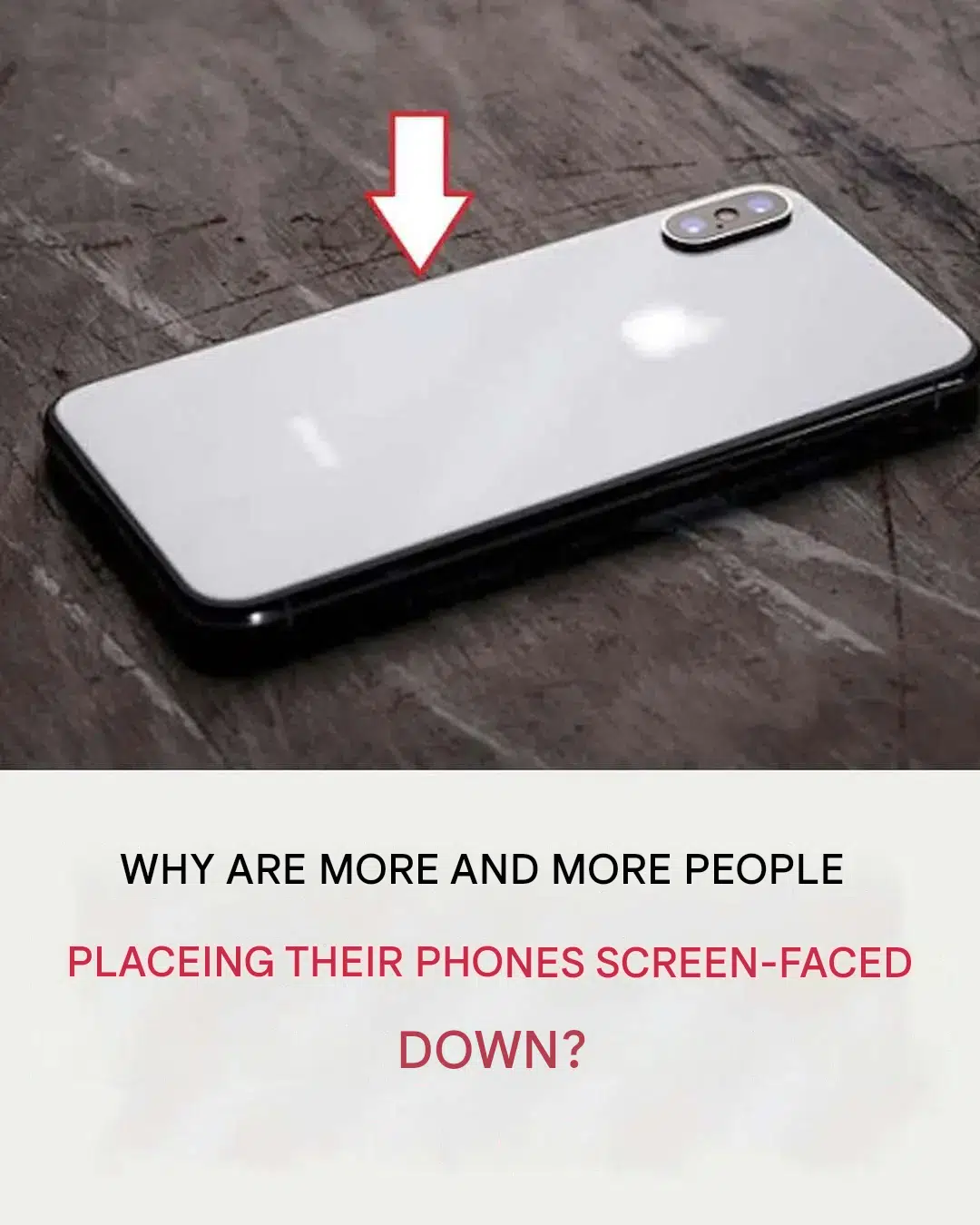
Walk into any coffee shop, corporate boardroom, or family dining room, and you will notice a widespread behavioral shift among smartphone users. Instead of laying their mobile devices flat with the bright touchscreen facing upwards toward the ceiling, millions of people now habitually flip their phones upside down, resting them face-down on the table surface.
At first glance, setting a phone screen-down might appear to be a minor aesthetic preference or an accidental habit. However, tech experts, social psychologists, and mobile software engineers point out that this simple physical action serves several critical practical functions. From preserving mobile battery life and protecting sensitive camera lenses to guarding digital privacy and improving human social interactions, turning your smartphone face-down offers tangible advantages for modern digital life.
Understanding the practical, technical, and psychological reasons behind this trend sheds light on how we can better manage personal technology, reduce digital fatigue, and extend the lifespan of our expensive electronic devices.
The Technical and Practical Advantages of Flipping Your Phone
While flipping a smartphone over might seem like a simple behavioral habit, modern smartphones are specifically engineered to detect when they are positioned face-down, unlocking several software and hardware benefits.
1. Significant Battery Preservation
Smartphones feature advanced ambient light sensors, proximity sensors, and internal accelerometers designed to track device orientation. Both Apple iOS and Google Android operating systems feature intelligent detection algorithms—such as Facedown Detection—that recognize when the display screen is resting against a flat surface.
When a phone receives incoming app notifications, text messages, or emails while lying face-up, the high-resolution OLED or LCD screen lights up automatically for several seconds. Over the course of a day, dozens or hundreds of notification wake-ups consume substantial battery power. When the phone is placed face-down, built-in ambient sensors prevent the display screen from lighting up entirely when non-urgent alerts arrive. By stopping unnecessary screen illumination throughout the workday, users can save meaningful percentages of daily battery life.
+-------------------------------------------------------------------+
|               NOTIFICATIONS & BATTERY DRAIN COMPARISON             |
+-------------------------------------------------------------------+
| Device Position       | Screen Behavior on Alert | Battery Impact  |
+-----------------------+--------------------------+-----------------+
| Screen Facing UP      | Display Illuminates Fully | Higher Drain   |
| Screen Facing DOWN    | Display Remains Off      | Power Conserved |
+-------------------------------------------------------------------+
2. Protecting the Camera Module from Scratches
Modern flagship smartphones boast complex multi-lens camera systems that protrude significantly from the rear chassis. When a smartphone is placed flat on its back, the delicate glass cover of the camera housing rests directly against hard surfaces like wood, granite, concrete, or metal tables. Over time, sliding a phone face-up across dirty counters can cause micro-abrasions and scratches across the camera lenses, degrading photo clarity and optical quality.
Conversely, most protective phone cases feature elevated front bezels or raised lip edges around the screen circumference. When set face-down, these raised case edges suspend the display glass a fraction of a millimeter above the surface, keeping both the front touchscreen and the rear camera lenses suspended away from abrasive particles and debris.
3. Immediate Spill and Impact Protection
Accidental liquid spills are among the most frequent causes of smartphone damage and insurance claims. Coffee cups, water glasses, and soda cans are constantly moved around work desks and dining tables.
If a drink spills across a table where a phone is resting face-up, liquid can easily puddle on the large, flat touchscreen display, seeping into the top earpiece speaker, front microphone ports, and button seams. Placing the phone face-down allows the flat back casing—or protective phone case—to act as an umbrella shield against overhead splashes and falling objects, significantly lowering liquid intrusion risks.
Privacy, Focus, and Social Etiquette Benefits
Beyond battery life and hardware protection, setting your smartphone screen-down delivers vital psychological and social benefits in an increasingly connected world.
1. Guarding Personal Privacy in Public Spaces
Smartphones act as personal vaults containing confidential banking notifications, private text messages, work emails, and personal calendar reminders. When a device rests face-up on a conference table or dining counter, incoming push notifications illuminate, displaying sender names and message previews to anyone sitting nearby.
Placing the phone face-down immediately shields sensitive visual information from casual onlookers, nosey colleagues, or strangers in public places, giving users total control over their personal privacy.
+-------------------------------------------------------------------+
|                  DIGITAL PRIVACY & SHIELDING                      |
+-------------------------------------------------------------------+
| [ Lock Screen Alerts ] ---> [ Face-UP: Visible to Everyone ]      |
|                        ---> [ Face-DOWN: Fully Hidden ]           |
+-------------------------------------------------------------------+
2. Reducing Visual Distractions and Boosting Focus
Human brains are evolutionary hardwired to react to sudden visual flashes, movements, and light changes. Every time a face-up smartphone screen lights up on a desk, it triggers a micro-distraction that pulls focus away from deep work, studying, or creative tasks.
By turning the screen down, you remove visual notification triggers from your line of sight. This simple barrier helps break the compulsion to check social media or messages constantly, supporting longer attention spans and improved mental productivity.
3. Signaling Respect in Social and Professional Settings
In social interactions, leaving a phone face-up signals to friends, family, or business associates that you are waiting for something better to appear on your screen. It subtly indicates that your attention is divided.
Turning your smartphone face-down during meals, meetings, or face-to-face conversations acts as a non-verbal gesture of respect. It signals to the people around you that they have your undivided focus and that immediate digital interruptions are put on pause.
Operating System Features Built for Face-Down Use
Recognizing these user habits, major tech developers have integrated specific software tools designed around face-down orientation:
- Flip to Shhh (Google Pixel): Placing a Pixel phone face-down automatically activates Do Not Disturb mode, silencing incoming calls, tones, and vibrations until flipped back over.
- iOS Facedown Detection (Apple iPhone): Leverages ambient light and motion sensors to prevent the lock screen from turning on when notifications arrive face-down.
- Mute with Gestures (Samsung Galaxy): Allows users to silence incoming calls and alarms instantly by simply flipping the phone screen-down on a flat surface.
Comparing Phone Orientation Benefits
| Feature / Benefit | Screen Facing Up | Screen Facing Down |
| Notification Visibility | Instant visual access | Hidden for total privacy |
| Battery Consumption | Higher (Screen lights up on alerts) | Lower (Display stays powered off) |
| Camera Lens Safety | Lenses rest directly on surfaces | Raised case edges protect lenses |
| Focus & Concentration | Frequent visual distractions | Reduced cognitive interruptions |
| Social Signal | Divided attention / Available to phone | Full engagement / Respectful presence |
Practical Tips for Keeping Your Phone Safe Face-Down
To maximize the benefits of turning your mobile phone screen-down without scratching the front glass, follow these simple protective measures:
- Use a Protective Case with Raised Lip Edges: Ensure your phone case features elevated lips along the front border so the glass touchscreen never directly contacts hard table surfaces.
- Apply a Tempered Glass Screen Protector: A high-quality tempered glass protector provides an extra layer of defense against microscopic grit, sand, or rough counter surfaces.
- Clean Desk Surfaces: Before setting your phone down, ensure table surfaces are free from liquid spills, sharp debris, or hard particles that could mark the screen frame.
- Enable Built-In Mute Gestures: Explore your smartphone settings menu (under Gestures or Accessibility) to toggle on face-down automation rules like “Flip to Shhh” or motion muting.
Tech, Insurance, and Device Longevity Considerations
Smartphones represent significant personal financial investments, with modern flagship models costing upwards of a thousand dollars. Protecting hardware components—including OLED displays, glass back panels, and camera assemblies—helps preserve trade-in values and avoids costly out-of-warranty repairs.
Whether managing smartphone insurance policies, tech warranties, or personal budgeting, practicing simple physical protection habits keeps devices running smoothly while lowering long-term tech expenses.
+-------------------------------------------------------------------+
|                 SMARTPHONE HARDWARE PRESERVATION                  |
+-------------------------------------------------------------------+
| [ Quality Phone Case ]  +  [ Glass Protector ]  +  [ Face-Down ]  |
|                                                                   |
|   ===> Maximum Screen & Camera Longevity + Lower Repair Costs     |
+-------------------------------------------------------------------+
Conclusion
Turning your smartphone screen-faced down on the table is far more than a passing trend—it is a smart, multipurpose habit that combines battery efficiency, physical device protection, digital privacy, and improved mental well-being. By adopting this simple practice alongside quality screen protection, you can safeguard your mobile hardware, minimize daily digital distractions, and stay fully present with the people around you.
Frequently Asked Questions (FAQ)
Does keeping a phone face-down really save battery?
Yes. Modern smartphones use ambient light and proximity sensors to detect when the screen is face-down. Operating systems prevent the display screen from lighting up every time a new app notification or message arrives, conserving significant daily battery power.
Will turning my phone face-down scratch the touchscreen glass?
Not if you use a protective phone case with raised front edges or a tempered glass screen protector. The raised lips of the case keep the glass screen slightly suspended above table surfaces, protecting it from direct contact and scratches.
Is placing a phone face-down better for protecting the rear camera?
Yes. Protruding camera modules rest directly against tables when placed face-up. Turning the phone face-down keeps the rear camera lenses suspended safely off the surface, preventing micro-scratches on the lens glass.
What is “Flip to Shhh” on Android smartphones?
“Flip to Shhh” is a built-in gesture feature on select Android devices that automatically activates Do Not Disturb mode whenever the phone is placed face-down on a flat surface, silencing sounds and vibrations.
How does placing a phone face-down improve social interactions?
Setting your phone face-down visually signals to others that you are paying full attention to them rather than waiting for notifications. It helps reduce digital interruptions and fosters deeper, more respectful face-to-face communication.
