
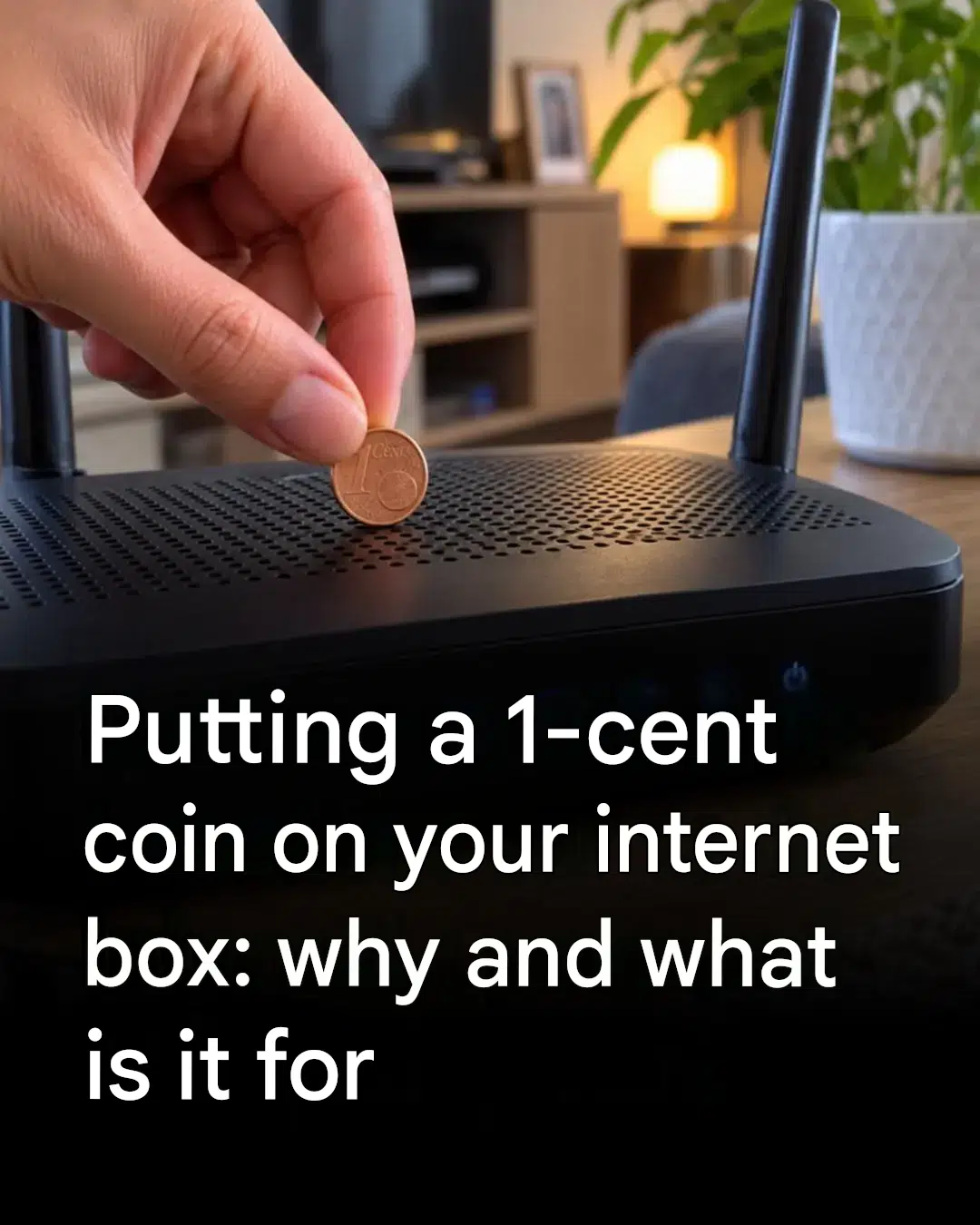
For the past few weeks, a strange idea has been circulating on social media: slipping a coin into your internet router is supposed to boost your connection. Naturally, between choppy video calls and a series that takes three hours to load, the temptation is strong. But does this old-fashioned digital trick really live up to its promises? Let’s take a closer look, without the jargon, and with much more effective solutions.
Where did this viral tip come from?
The idea is certainly surprising: a small coin placed on the router, and presto, the Wi-Fi is supposedly revitalized. On social media, some claim that the metal attracts the signal or gives it a mysterious boost. Testimonials abound in the comments. However, in reality, a coin has no effect on your connection. It doesn’t improve reception and doesn’t replace an antenna. It’s a bit like putting a pebble on a remote control: it’s a distraction, but it doesn’t change the channel.
Why do some people feel that it works?
The most puzzling thing is that the trick sometimes seems to work. In reality, by touching the box, you might move it a few centimeters, check the cables, or accidentally press the power button. The result: the box restarts, and the connection is restored. Another explanation: the network fluctuates depending on the time of day, the number of connected devices, or the room you’re in. The room then becomes a digital lucky charm… without any real effect. It’s also best to avoid leaving metal objects lying around on electronic devices.
Simple gestures that truly change the connection
Before rushing out to buy a repeater, start with the basics. Place your router in a central, elevated, and unobstructed location. Avoid hiding it behind the sofa or in a closed cabinet. Thick walls, aquariums, mirrors, and a running microwave can all interfere with the signal. Restart your router once a month; this is often enough to give it a boost. Check the cables, update your internet provider’s app, and change any outdated passwords. In a large apartment or a multi-story house, a repeater or mesh system can work wonders. And for more demanding tasks, an Ethernet cable remains your best bet.
When to ask your operator for help
If your video calls are still choppy, first try using a wired connection to see if the problem is with your Wi-Fi or your phone line. Then check your router’s app: it often shows which devices are connected and the network status. An Orange, Free, SFR, or Bouygues Telecom advisor can check your line quality and suggest more suitable equipment. Sometimes, simply repositioning your router or limiting the number of unnecessary devices that are constantly connected is enough.
With good habits, your Wi-Fi doesn’t need a lucky charm to run smoothly.
